Product Updates

Progress notes on every feature launch, product update and improvement we make

Progress notes on every feature launch, product update and improvement we make

November 13, 2025

The new look Preve interface

Preve's always been neat and tidy, but sometimes a bit too spacious. So we embarked on a little project to tighten a few things up, and add a little more vibrancy to the workflow.
— Adam

More of the right stuff in the right places

👀 Tighter fonts = more content on single rows (easier to read)

🎨 Clearer colour system to better distinguish this from that

🧾 Collapsed menu for more permanent real estate

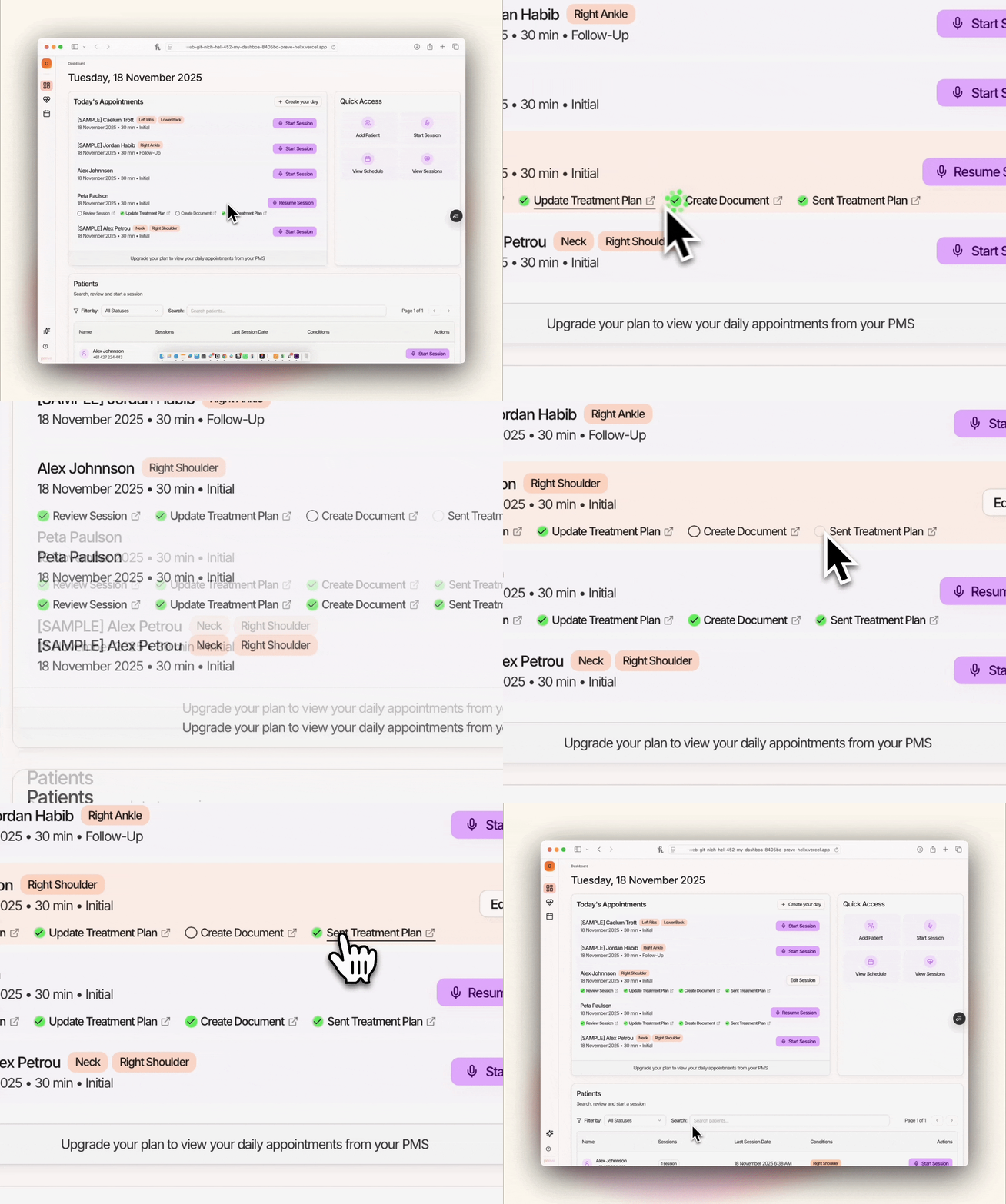
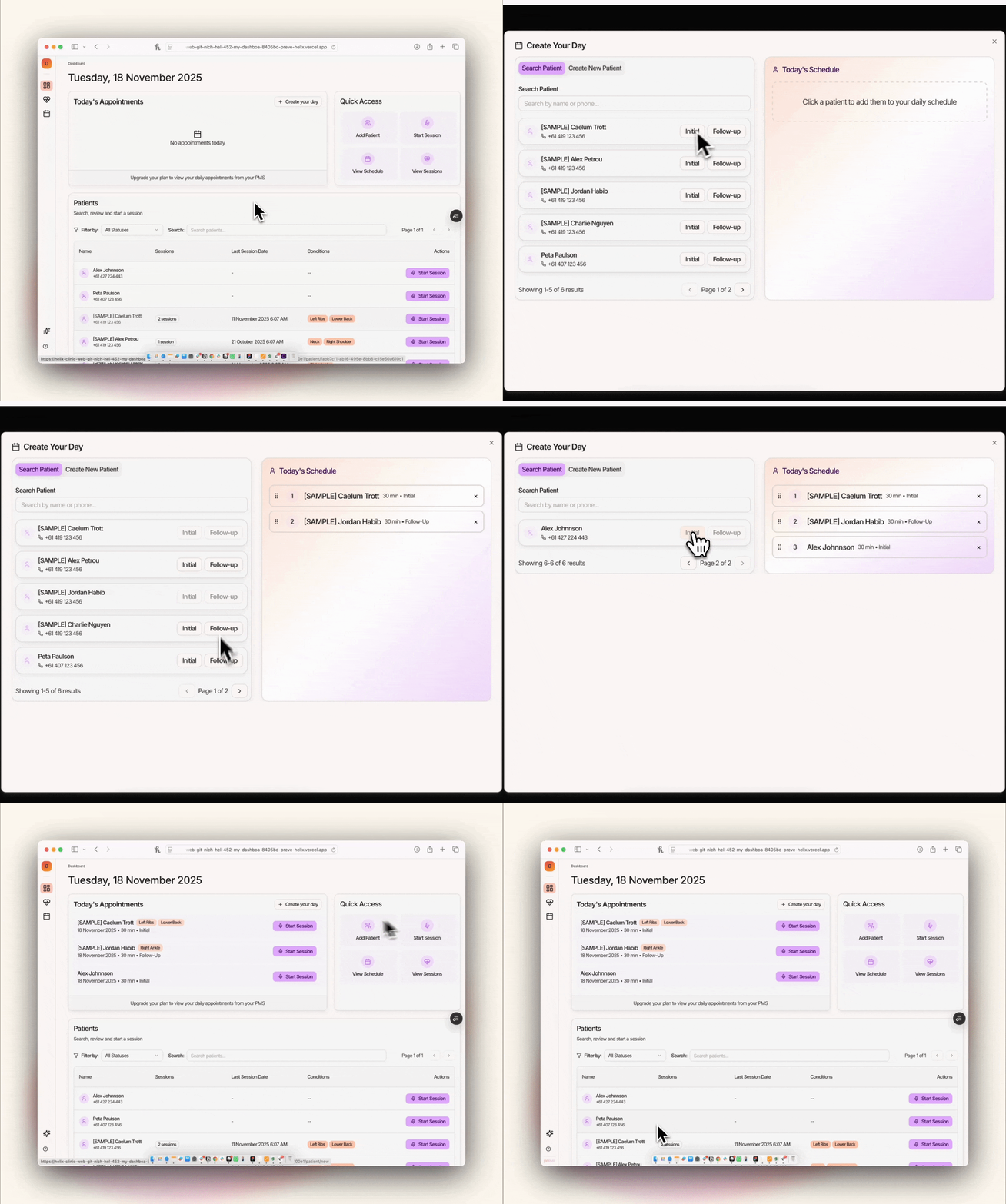
🍟 A better dashboard with more patient context

🧠 An insanely more useful patient record page

Check it out!

November 1, 2025

Charting and Clinical Notes: New Formats. And PDF Treatment Plans!

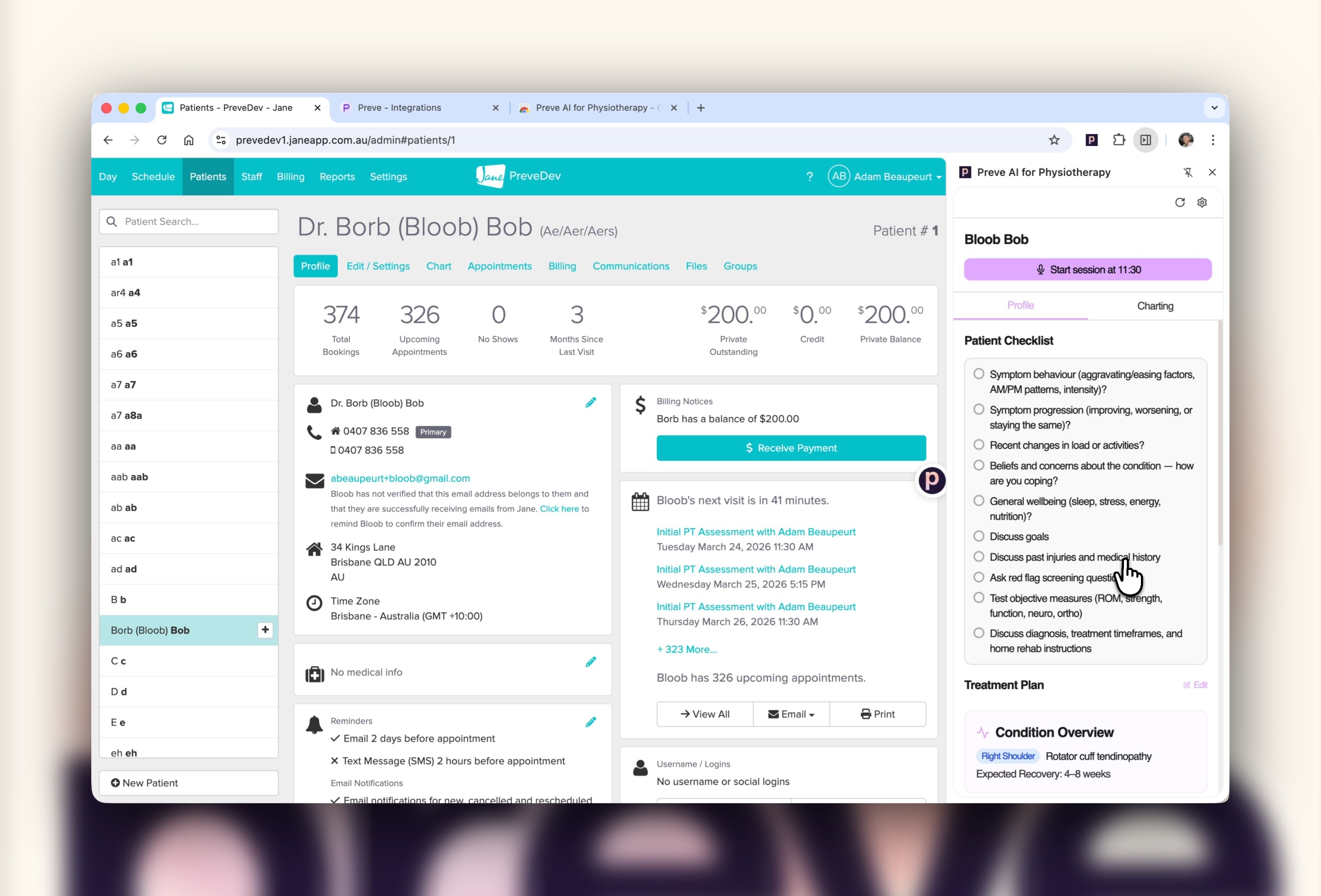
In this Changelog there are some seriously awesome improvements to Charting / Clinical Notes, with new formats, templates and preferences for detail. Alongside this, the treatment plan now highlights new changes ✨and there’s a bonus: save and email a PDF treatment plan.

— Adam

Clinical Note Formats and Specialist Templates

We know you’ve waited for this one. Preve now offers a range of clinical note templates across both initial and follow up templates.

Clinical Note Specialist Template Options

General Templates

  • Initial

  • Follow up

Specialist Templates

  • Community Health Physio

  • Hand Physio

  • Neurological Rehab Physio

  • Paediatric Physio

  • Respiratory Physio

  • TMJ & Headache Physio

  • Women's Health Physio

Want to see an additional specialist template? Send a few examples our way.

Brief or Detailed Clinical Notes?

It might sound simple, but each of the new clinical note templates has a brevity preference to suit your style. This feature has been designed based on reading styles, rather than reducing operative information.

Save Treatment Plan PDF…

PDFs are back, baby! In one click your patient’s treatment plan will be automatically generated and saved to your downloads. Pretty neat.

Save a PDF from the Patient page or the Session page

…and email it right from Preve

In the same action, you can send the treatment plan as an email.

The body of the email is taken from the “Note for {Patient}” at the top of the treatment plan, and the PDF is automatically attached.

Two clicks and you’re the most organised physio in the country.

Bonus! Treatment Plan changes highlighted

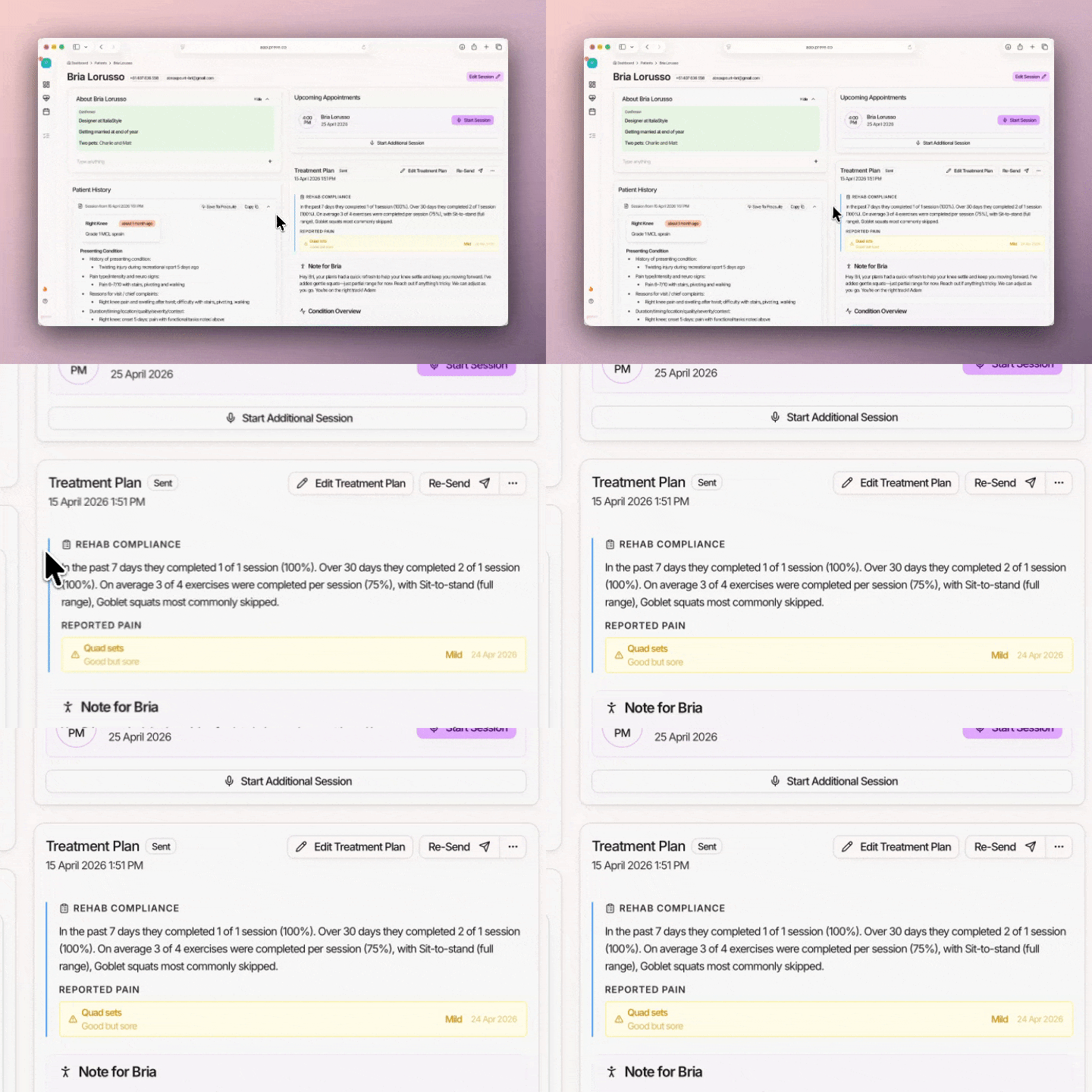
When you generate a treatment plan, updates or changes are now highlighted. Items that can be expanded and collapsed (we call them accordions) are automatically expanded when there is a change, and if not, it’ll stay closed.

This makes reviewing the treatment plan heaps easier.

September 18, 2025

Product Update: New Look Treatment Plan

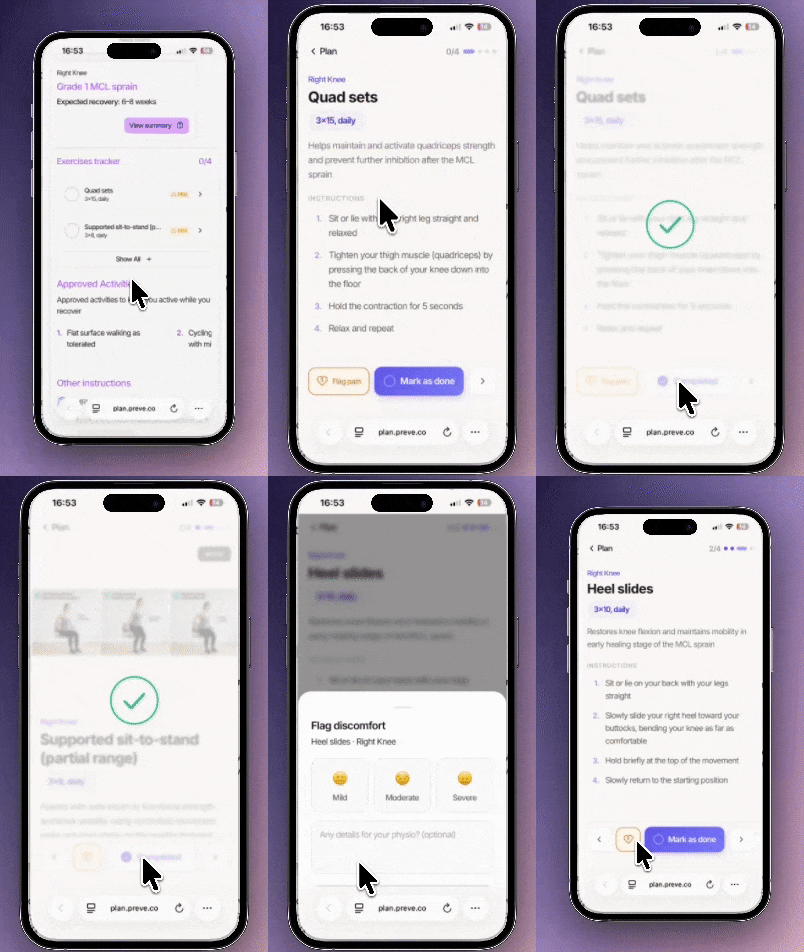
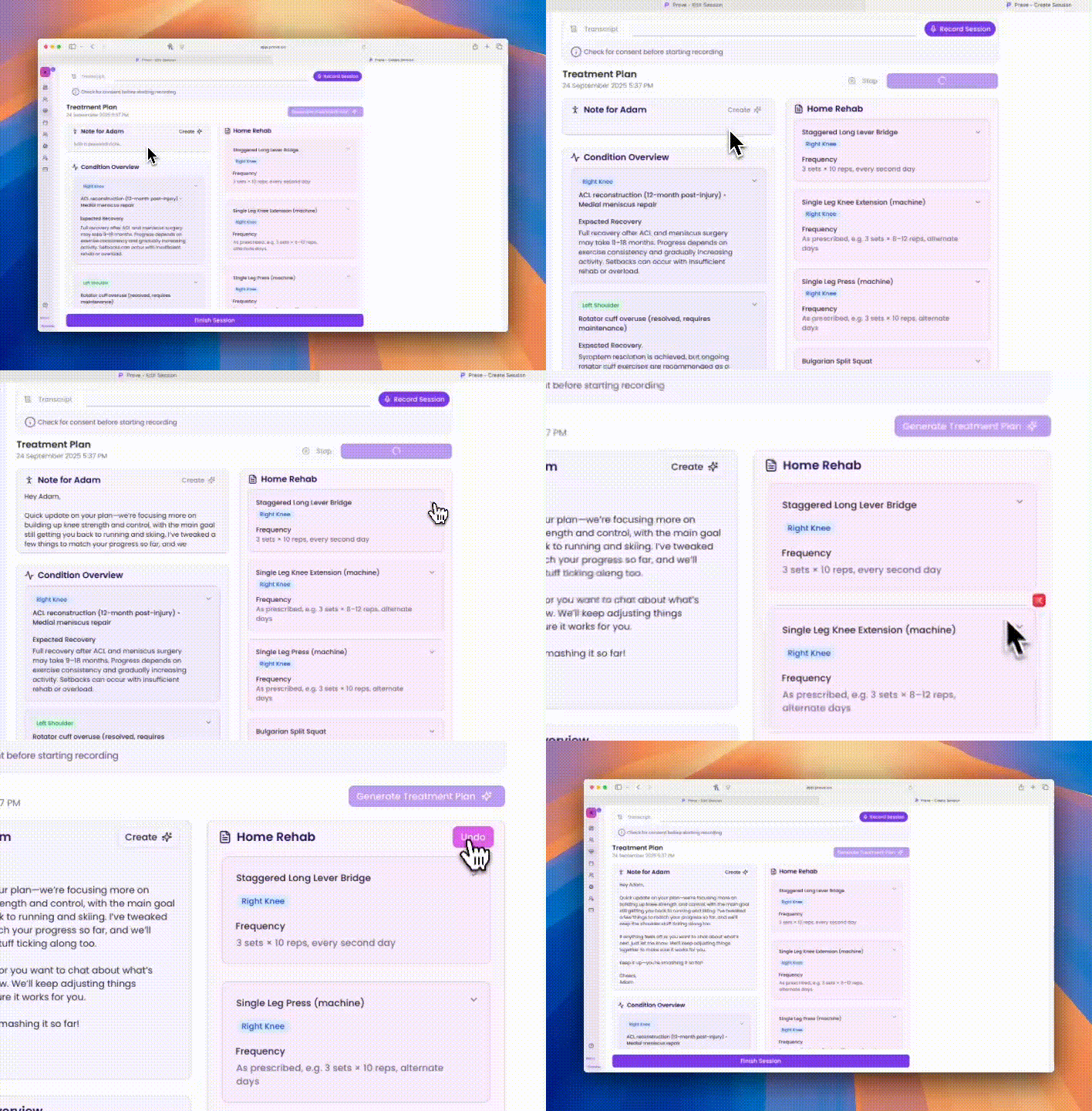
We’ve given Treatment Plans a new look and feel. They’re now easier to read, quicker to edit, and more personal for patients. With a cleaner layout, simple in-line editing, one-click deletes (with undo), and space for a personal note — creating and updating plans is faster, smoother, and more engaging than ever. The result: less time on admin, more clarity for patients, and better follow-through on their report.

Product Update: New Look Treatment Plan

We’ve been working on making treatment plans even easier to create and update.Check out the latest improvements which include in-line editing, collapsable sections, links for exercise videos, and an introductory note to patients.

 New two-column layout

The Treatment Plan is now two columns side-by-side, making it easier to read, and far shorter on the page.

Sections are collapsable, making it far easier to glance at.

We’ve improved the appointment schedule to include a “focus” and you can now add a URL/link on each exercise.

Easy in-line editing

You can now click any object (except for the section headings) and edit in-line. It’s a huge time-saver.

Note you still need to Save or Save & Send the treatment plan once you’re finished with all of your edits.

Delete, undo, delete again

You can now instantly delete entire aspects of the treatment plan, and if you’re trigger-happy, there’s an Undo button that’ll appear until you take the next action.

And finally, some personalisation

A few of you asked if we can add a placeholder for a personal note to the patient on the treatment plan.

We loved the idea so much we added it in, and gave it a touch of AI.

It’s fully editable, of course, but it’s worth giving it a shot!